IDEMIA · Reader demonstration accessories

IDEMIA product display stands

Present a biometric reader on a stand matched to its model.

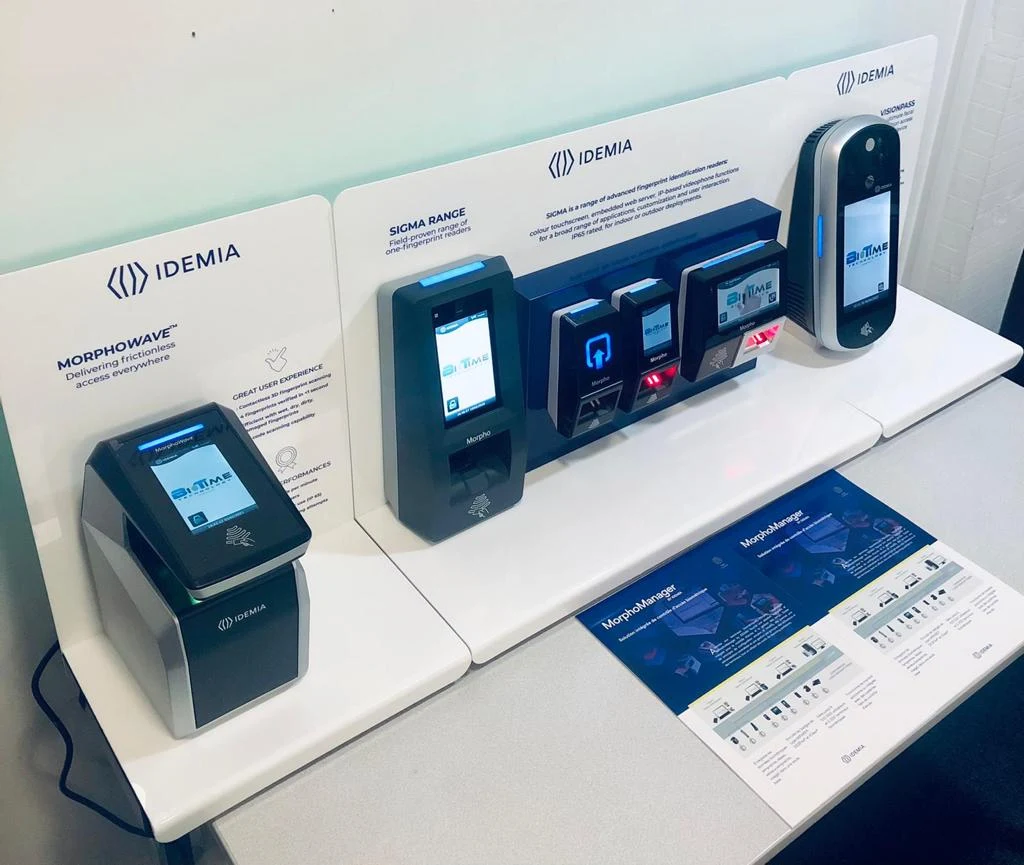
Biotime’s catalogue lists desktop mounts and display stands for VisionPass, MorphoWave and SIGMA readers. Select the reader first, then choose the support for a showroom, trade stand or demonstration desk.
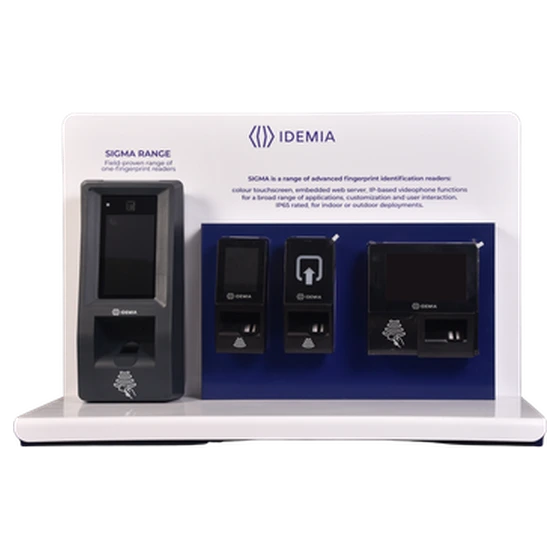
IDEMIA reader demonstration display stand

Choose a stand for the reader and the demonstration

Reader families

3 families listed

The catalogue shows stands for VisionPass, MorphoWave and SIGMA. Each support must be matched to the reader it will display.

Presentation settings

3 documented uses

The catalogue identifies showrooms, trade shows and demonstrations. Plan the surface and cable route for the selected setting.

Desk enrolment

1 specific option

The standard VisionPass mount can also stand on a desk for enrolment. Check the terminal reference when requesting this option.

Set up a working biometric demonstration

At a showroom counter. Position the reader so a visitor can approach the capture area naturally. Leave room for the operator and a route for the cables beneath or behind the display.

At a trade show. Specify which reader you will demonstrate and whether the stand will travel between venues. Use the appropriate mount for the reader and check the demonstration surface before the event.

At an enrolment desk. The standard VisionPass mount can be used independently on a desktop. Specify that use when requesting the mount for an operator workstation.

Multiple IDEMIA biometric demonstration fixtures set up on a showroom counter

Technical specifications

Reader compatibility

The display range covers VisionPass, MorphoWave and SIGMA. Tell us the exact reader and avoid assuming a single stand fits all three families.

Display positions

Suitable for showroom counters, exhibition stands and demonstration desks. Confirm the space available in front of and behind the reader.

VisionPass desktop use

The standard VisionPass mount can also be used on a desk for enrolment. Identify the reader generation before selecting a mount.

What to specify

List the reader model, quantity and intended use for each station. See reader accessories by family for dedicated wall mounts and floor stands.

Get a project quote

Choose a quantity and add the display stand to your quote list. In the request, specify VisionPass, MorphoWave or SIGMA, the exact reader model and the quantity per model.

© Copyright 2026. Biotime Biometrics. All rights reserved. Design by Iziweb Consulting