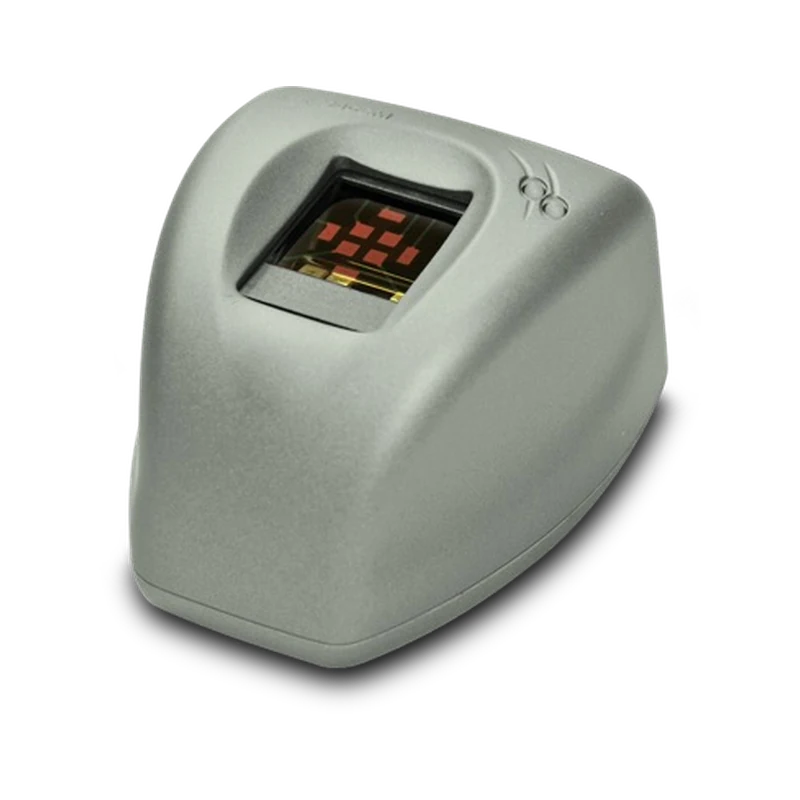
IDEMIA · Desktop fingerprint capture
MSO 330/331 USB
Capture fingerprints at a staffed USB workstation.
Both readers support enrolment, verification and identification. Choose MSO 331 where the application requires fake finger detection.
IDEMIA · Desktop fingerprint capture
Capture fingerprints at a staffed USB workstation.
Both readers support enrolment, verification and identification. Choose MSO 331 where the application requires fake finger detection.
FAP 30 optical capture
Both models use a 500 dpi sensor with a 25.4 × 20.3 mm capture area.
1:1 or 1:N matching
Compare against a claimed identity or search across enrolled records.
MSO 331 adds fake finger detection
Specify this model where detection is part of your project’s requirements.
Enrolment stations Capture fingerprints as staff register people in the application.
Service counters Confirm which identity checks the service application must perform.
Reader upgrades Test the new reader with your application and workstation before replacing installed units.
USB connection. Check the operating system, driver and supported MSO SDK or MorphoKit version, plus the template formats required by your application.
500 users as standard. IDEMIA lists licensed tiers up to 3,000 or 5,000 users. Confirm where matching will run.
The desktop readers have their own housing. Specify the separate MSO 330 OEM or MSO 331 OEM reference when integrating a module into equipment.
Confirm drivers, SDK, capture settings and template handling before moving from a MorphoSmart 300 or MSO 301.
Choose a quantity and add the MSO 330/331 USB to your quote list. Include your host platform, application, approximate user count and any need for fake finger detection.

 VisionPass SP with Fingerscan